Where
Anywhere in free roam once unlocked in Chapter 2
Verified · Last checked November 27, 2026
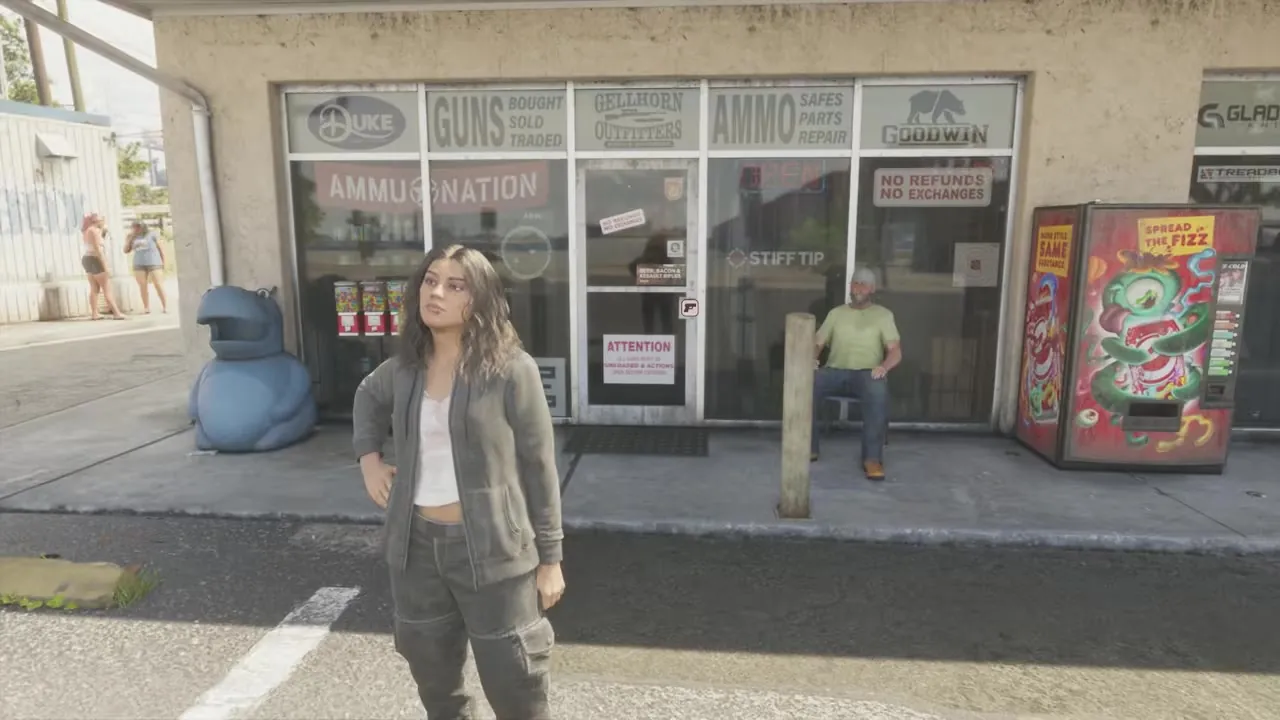
Hold Right on the D-pad to open the Partner Menu, then press R1 (PS5) or RB (Xbox) to swap between Jason and Lucia (highlighted portrait = who you play). Hold Right on the D-pad and press Triangle (PS5) / Y (Xbox) to Meet Up or Split Up. Unlock: free switching opens in Chapter 2 once you finish the Coffee Break mission. Until then the story picks who you control. If the other portrait is greyed out, step outside if you're at home, finish or wait out a mission that locks you to one character (map icons show J, L or J/L), or wait until your partner is free; reloading a save also reportedly helps.
Anywhere in free roam once unlocked in Chapter 2
Follow the steps below.
Play either protagonist in free roam; the partner menu also summons them
Clip: @SimDEX
Hold Right on the D-pad to open the Partner Menu, then press R1 (PS5) or RB (Xbox) to swap between Jason and Lucia (highlighted portrait = who you…
Anywhere in free roam once unlocked in Chapter 2
Clip by @SimDEX. Sources: VICE · Beebom · GTA 6 Notebook · Polygon · The Games Wiki · YouTube